



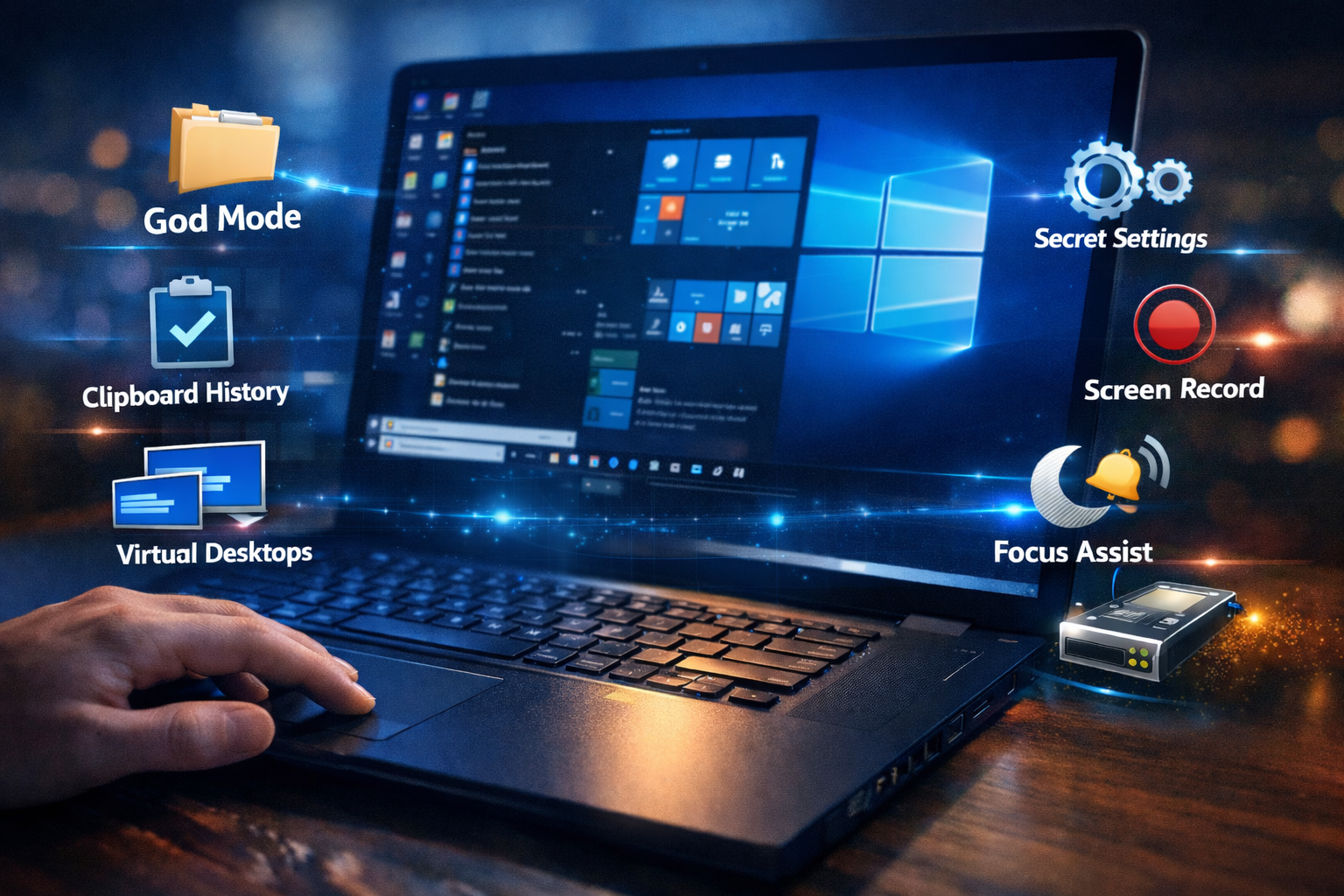
Windows 10 is more powerful than most users realize. Behind its simple interface, there are hidden features that can improve productivity, increase performance, and help you work more efficiently. If you want to use your computer like a professional, these hidden Windows 10 tricks will change the way you work.
1. Use Virtual Desktops for Better Workflow
If you work with multiple apps at the same time, Virtual Desktops can help you stay organized. Press Win + Tab and create a new desktop to separate your tasks. This feature is perfect for students, developers, and content creators who need a clean workspace.
2. Activate God Mode for Advanced Settings
Windows 10 has a hidden feature called God Mode that gives you access to all advanced system settings in one place.
Create a new folder and rename it to:
GodMode.{ED7BA470-8E54-465E-825C-99712043E01C}
After that, you will see a powerful control panel with detailed configuration options.
3. Disable Startup Programs to Boost Boot Speed
Many apps start automatically when Windows boots, slowing down your system.
Press Ctrl + Shift + Esc, go to the Startup tab, and disable unnecessary programs to improve startup time.
4. Enable Clipboard History
Windows 10 allows you to access previously copied text.
Press Win + V to open Clipboard History and reuse copied items instantly. This is extremely useful for productivity and content writing.
5. Turn On Storage Sense for Automatic Cleanup
If your disk space fills up quickly, enable Storage Sense.
Go to Settings > System > Storage and turn it on to automatically remove temporary files.
6. Record Your Screen Without Extra Software
You don’t need third-party software to record your screen.
Press Win + G to open Xbox Game Bar and start screen recording. It’s great for tutorials and presentations.
7. Use Focus Assist to Eliminate Distractions
Notifications can interrupt your workflow.
Go to Settings > System > Focus Assist and schedule quiet hours to block distractions while working.
8. Lock Your PC Instantly
For quick security, press Win + L to lock your computer instantly when stepping away from your desk.
9. Shake a Window to Minimize Others
Click and hold the title bar of a window and shake it slightly. All other windows will minimize automatically, keeping your workspace clean.
10. Enable Night Light to Protect Your Eyes
If you work at night, enable Night Light.
Go to Settings > System > Display and activate it to reduce blue light and protect your eyes.
Conclusion
These hidden Windows 10 tricks can significantly improve your productivity and system control. From Virtual Desktops to God Mode and screen recording, mastering these features will help you work smarter and faster.
Leave a Reply